21. Circle to Search – Google Anything on Your Screen Without Switching Apps
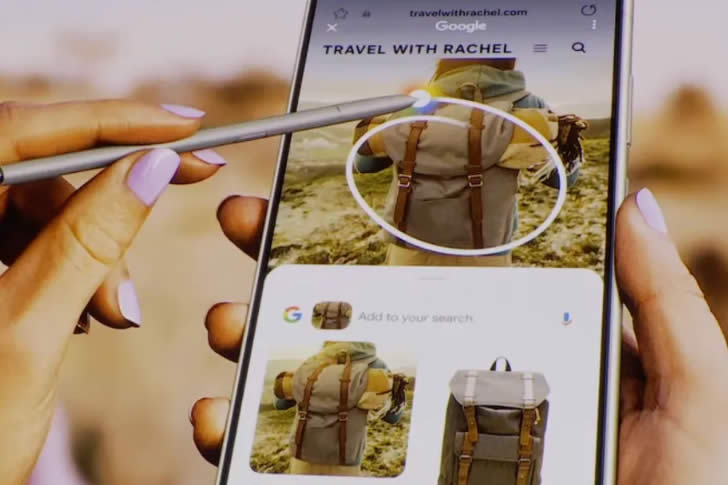
Ever see a plant in your garden, a landmark on TV, or a recipe on a website and wonder “What is that?” Circle to Search lets you draw a circle around anything on your screen and get instant Google results—no typing, no new tab.
On Android (Pixel, Samsung, etc.): Long-press the home button or gesture bar and circle the item. It works on photos, videos, maps, or apps. iPhone users get a similar experience with Visual Intelligence (iPhone 16+) by pointing the camera or using the Action button. Many over-40 readers say it feels like having a smart assistant in your pocket—perfect for identifying birds, checking prices, or answering trivia with kids in seconds.